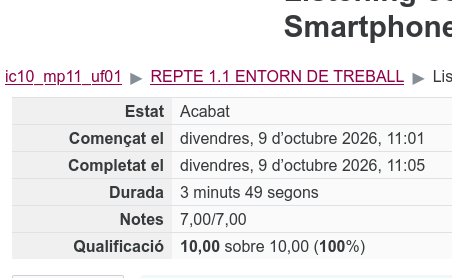
Configuring the input system and labels
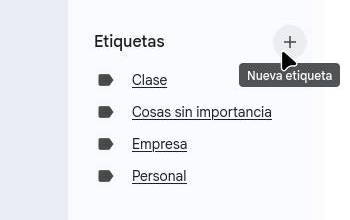
First to create the tags you have to enter Gmail and click on the Tags+ button.
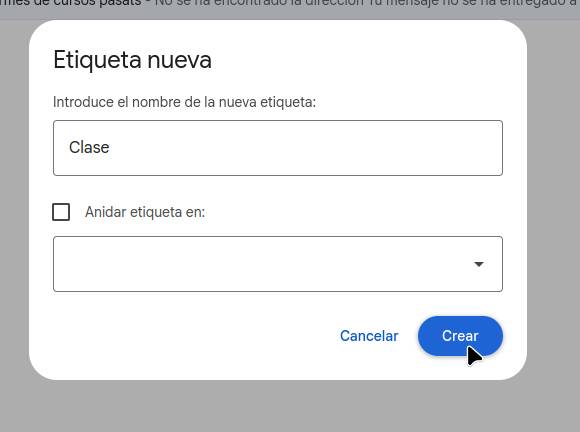
Then, enter the name you want to give the label and click “Create.”
Once the labels have been created, go to the top right and click on settings.

When you go into settings, tap on the “Filters and blocked addresses” section.

Once you are inside the filters section, click on “Create a filter.”

Then you specify what you want filtered.
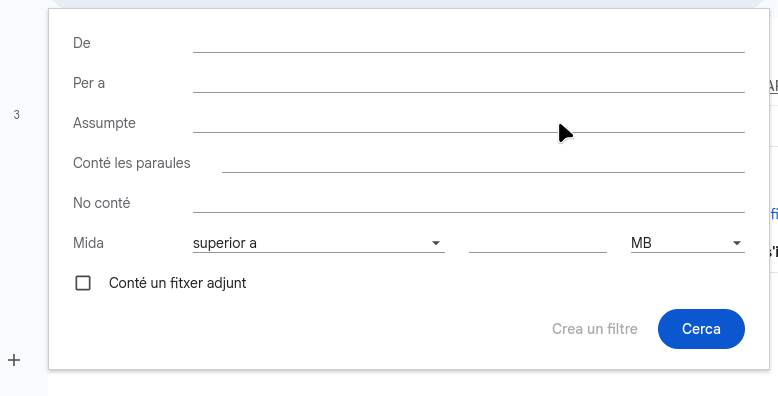
And finally, you click “Create filter,” which takes you to the screen where you need to select “Apply the label,” and then you click “Create filter.”
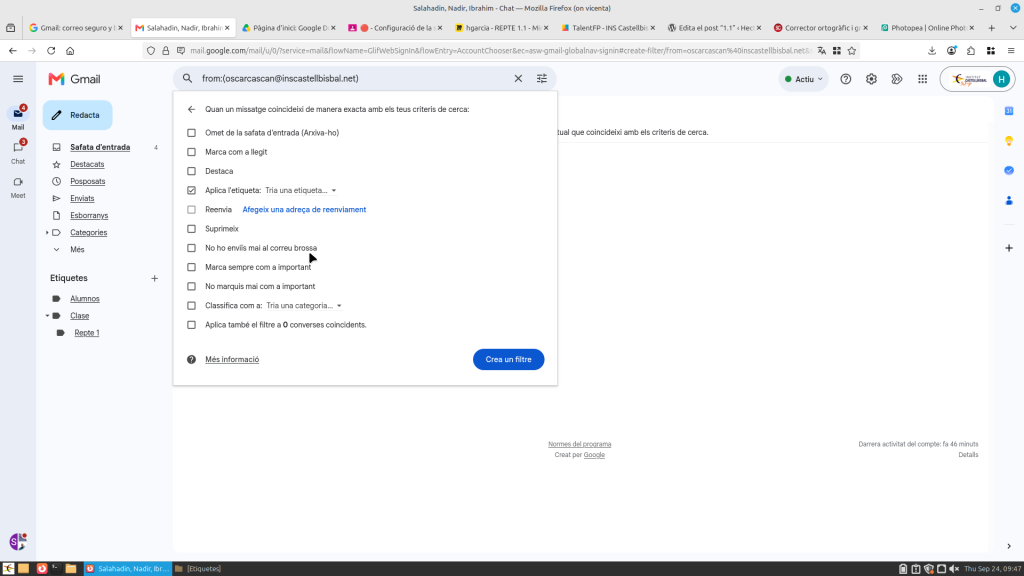
Model: